
Assembly Workflow, Loadoptions, Constraints, Arrangements, Reference Sets, WAVE & Performance
Siemens NX Assemblies
Build, Load & Save, Position & Control Complex Designs

What you will learn
Assembly load options
Assembly constraints, pattern components
Arrangements
Reference Sets
Deformable Parts
Create Gears, Gearboxes
Mirror assembly
Manage Attributes
IPE and WAVE Geometry Linker, and much more
All Lessons
Siemens NX Assemblies Tutorial

b2a-1
This Assemblies course guides you step by step through the complete assembly workflow in NX: loading/saving, navigating large structures with

b2a-2
The load options can be used to set the desired subset, or scope, of the assembly to be loaded in

b2a-3
With the Assembly Load Options not only the scope but also the search path can be controlled. This also makes

b2a-4
In NX, components and assemblies can be positioned absolutely or relatively. Relative means that the position has a relation to

b2a-5
The Assembly Constraints (Fit, Touch/Align, Concentric, Center, Bond…) command is used to position components and assemblies dependent on each other,
b2a-6
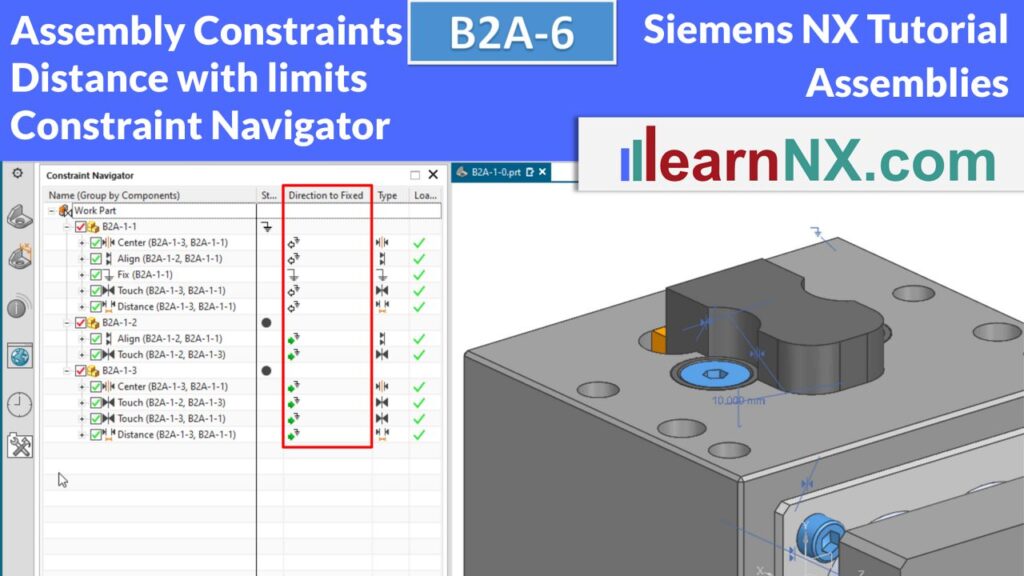
This video concludes the topic Assembly Constraints, which started with the last video. Now the subassemblies are positioned with a

b2a-7
With Arrangements, you can display assemblies and components in multiple defined positions – for example, extended, retracted, or with and

b2a-8
Up to 6 levels can be defined to cut through an assembly, providing a dynamic view of the interior.

b2a-9
With Deformable Parts, you can modify the shape of components such as springs or hoses directly within an assembly—without creating

b2a-10-e
With deformable parts, you can change shapes without having to create new part files – ideal for components such as
b2a-11
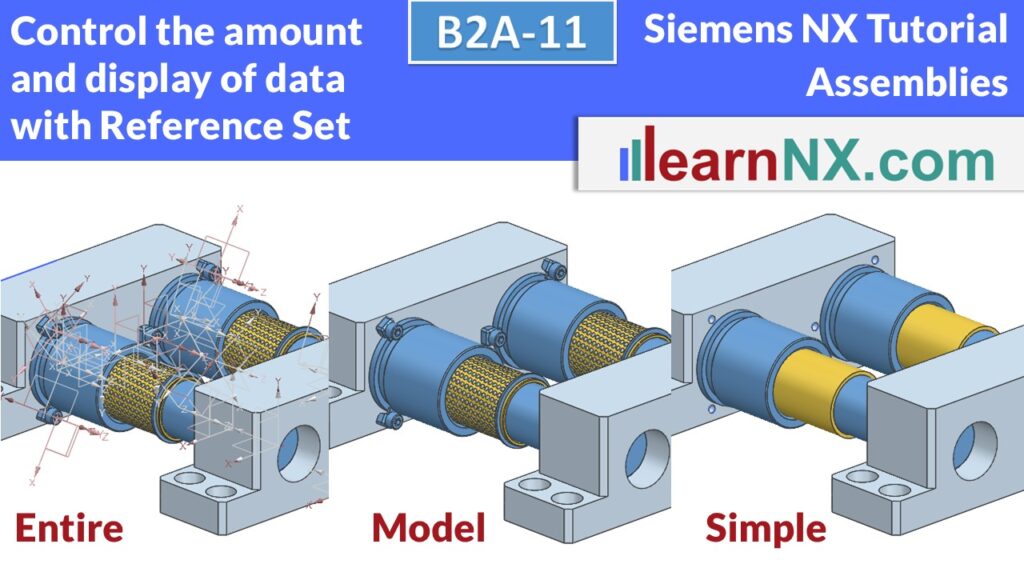
With Reference Sets, you can show or hide content selectively, manage detail levels, reduce memory usage, and control mass calculations.

b2a-12-e
This video shows how to use the free tool from learnNX to create straight and helical gears from involute gears.