
Learn effective strategies for creating sheet metal components.
Siemens NX Sheet Metal
Designing sheet metal parts with NX
What you will learn
Bend Radius, Thickness, Streched Length
Flanges with match face, Secondary Tab, Flange length tolerance
Bend, Unbend and Rebend, Bead
Contour Flange, Normal Cutout, to construct a high-bay warehouse
Secondary Flange, Close Corner, Louver
Connecting Parts with Multi-Bend References
Connecting sheet metal profiles with different cross-sections
Flat Pattern, check, create, edit, export
Universal Method for Welded Sheet Metal Assemblies
All Lessons
Siemens NX Sheet Metal Tutorial

SM1
How large should the bending radius be, and how does it affect the stability of the component, springback and stretched

SM2
The length and position of a flange must meet many different requirements. The practical training covers the various length and

SM3
Learn about the Bend command to create linear, limited or unlimited bends using sketch lines. The Unbend and Rebend commands

SM4
In this video, we demonstrate how to use the Contour Flange and Normal Cutout commands by working on a fully

SM5
Learn how to create a door for a locker or control cabinet in just four steps and familiarise yourself with

SM6
The video shows you exactly how to close different types of corners in sheet metal parts. Learn about the various
SM7
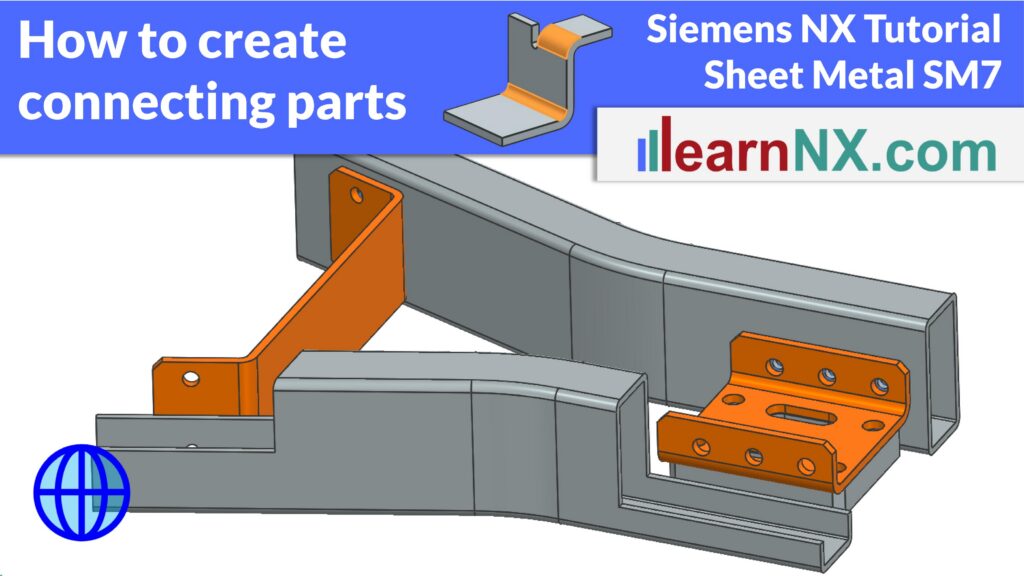
Learn how to use the Multi-Bend References command in Siemens NX to create connecting sheet metal parts that automatically adapt

SM8
How do you connect sheet metal profiles with different cross-sections, angles, or shapes? This exercise shows step by step, how
SM9-1
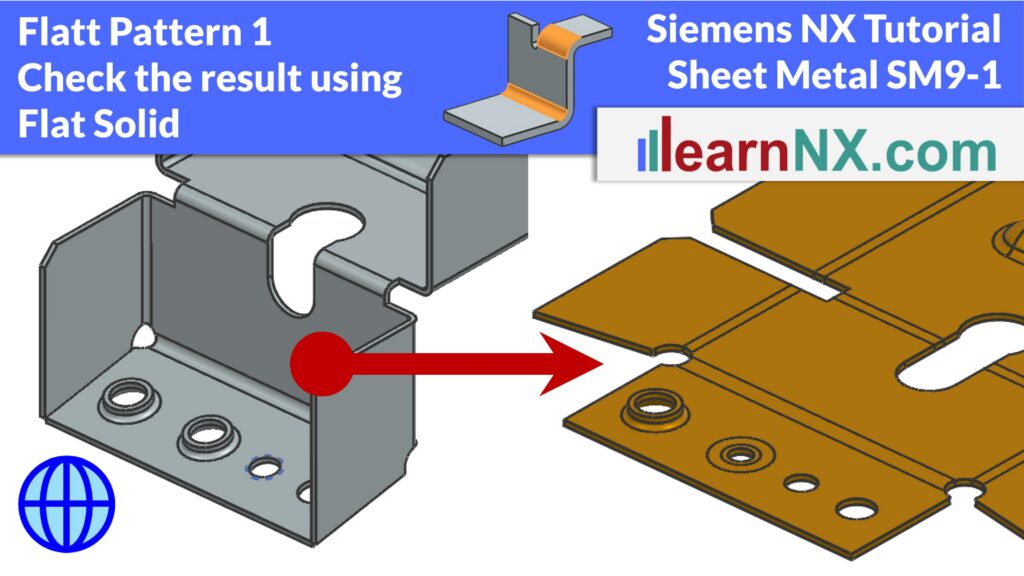
In this tutorial, you will learn how to continuously check the flat pattern of your sheet metal part during the
SM9-2
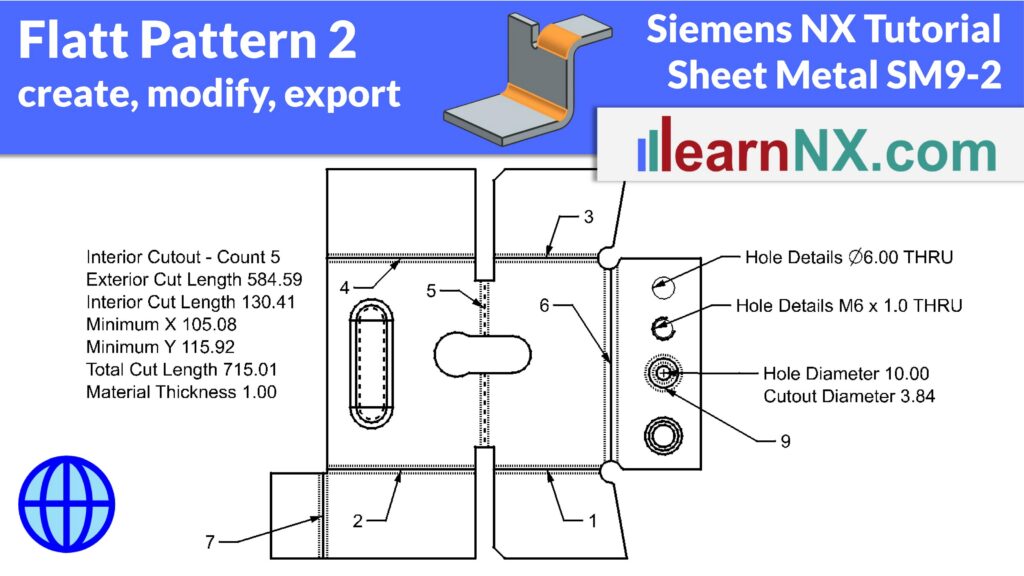
This exercise covers the complete Flat Pattern workflow in Siemens NX Sheet Metal. You’ll learn how to create a flat
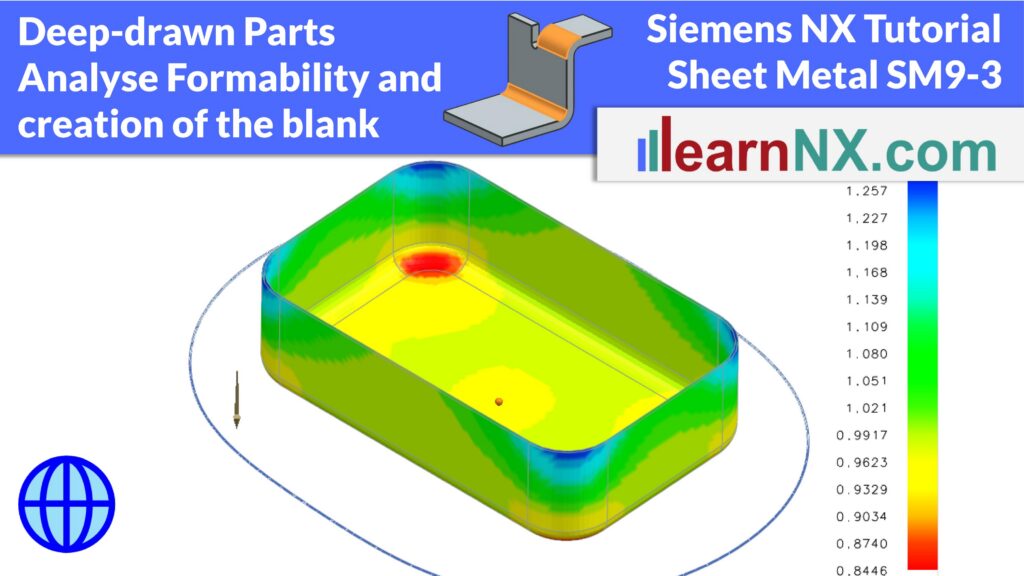
SM9-3
Deep-drawn sheet metal parts behave very differently from simple bent parts. During forming, the material stretches and compresses in all
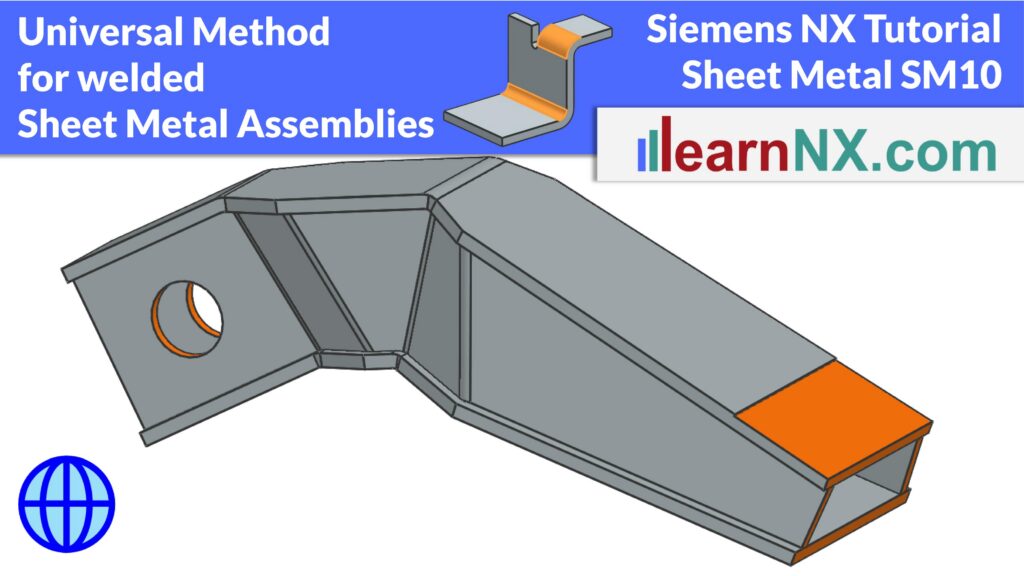
SM10
Multi-part, welded hollow beams made of sheet metal are very torsionally rigid and have a high section modulus — you