
Swept, Surface Tools & Precision Freeform Modeling
Siemens NX Surface-Modeling
Create Complex, Controlled Surface Designs
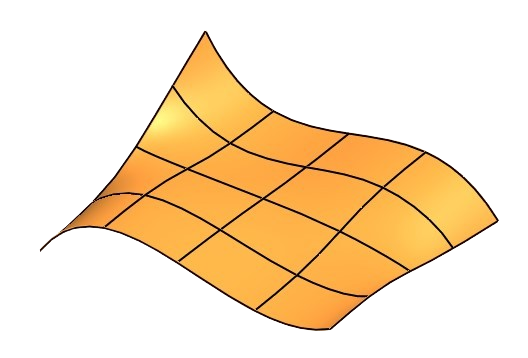
What you will learn
Modeling of technical free-form surfaces
Create a propeller
Create a turbine
Law Curve, as sinus curves, parabolas etc.
Modeling of design free-form surfaces
Understanding G0, G1, G2, G3
Surface analysing
Studio Spline, Spline in Sketch
How to design and present (rendering)
All Lessons
Siemens NX Surface-Modeling Tutorial

ff-1
The course begins with the Swept command, which starts where the Extrude command ends with its options. This command can

ff-1-p
This exercise shows the typical work steps for creating a pipe elbow with the Swept command and modelling the flanges.

ff-2
How to connect sections with different numbers of curves? This is where the Alignment option comes in, with its many

ff-2-p
This exercise shows the typical work steps for creating a Y-pipe with the Swept command and modelling the flanges. It

ff-3
The Orientation option controls the orientation of the cross-section to the guide curve. Similar to how a spatula is repeatedly

ff-3-p1
A propeller, also known as a Kaplan turbine, is like a spiral staircase. This also has a flat pitch on

ff-3-p2
Swept, construction of a turbine casing. The cross-section of the opening follows a spiral helix. The cross-section is also scaled

ff-4
What do the settings G0, G1, G2, G3 mean when connecting curves and surfaces? What difference does it make in

ff-5
The quality and manufacturability, can be checked by analysing surfaces. Are the surfaces perfectly connected, or do they have kinks?

ff-6
The selected points and constraints result in a different spline depending on the selected curve degree. But which curve degree

ff-7
After the spline was already introduced in the last video, this video is about working with Studio Splines in the

ff-8
We find these curves in gear wheels, headlights, heat exchangers, satellite dishes, microphones, loudspeakers, the list could be extended at