
PREMIUM
Siemens NX Surface: Rendering / Visualisation
Course content
ff-1
Siemens NX Surface: Swept basics
07:59 Min
ff-1-p
Siemens NX Surface: Swept basic, exercise
08:28 Min
ff-2
Siemens NX Surface: Swept, from round to rectangular with alignment
08:58 Min
ff-2-p
Siemens NX Surface: Swept, create a Y-Pipe
09:52 Min
ff-3
Siemens NX Surface: Swept, orientation methods
07:05 Min
ff-3-p1
Siemens NX Surface: Swept, Helix, Face Blend
PREMIUM
10:28 Min
ff-3-p2
Siemens NX Surface: Swept with spine, helical curve, bridge curve
10:45 Min
ff-4
Siemens NX Surface: The connection types G0, G1, G2, G3
08:27 Min
ff-5
Siemens NX Surface: Surface analysing
14:59 Min
ff-6
Siemens NX Surface: Create a perfect studio spline
13:06 Min
ff-7
Siemens NX Surface: Studio Spline in the sketch, to create Through Curve Mesh
PREMIUM
11:51 Min
ff-8
Siemens NX: How to create Law Curves
PREMIUM
24:05 Min
ff-9-1
Siemens NX Surface: Create Through Curve Mesh surface
PREMIUM
21:03 Min
ff-9-2
Siemens NX Surface: Working with Law Extension
PREMIUM
27:30 Min
ff-9-3
Siemens NX Surface: How to link a common design surface.
PREMIUM
17:05 Min
ff-9-4
Siemens NX Surface: Rendering / Visualisation
PREMIUM
20:55 Min
About this lesson
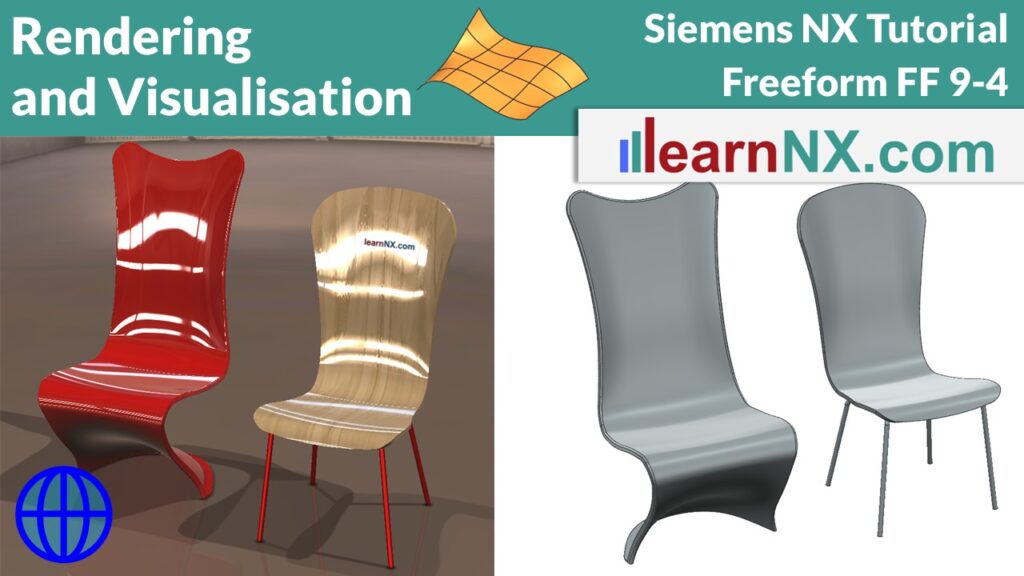
How to show your product with virtual materials and scenes.
This time it’s about the visualisation / rendering of objects in NX. With ‘True Shading’, good renderings can be created quickly and easily. Visualisation becomes even better with virtual materials and scenes. Wood surfaces, backgrounds, reflections and shadows from different light sources are all possible. And the video shows you how to export the perfect image. Remember, it’s not enough to design a product, it has to wow our customers before it’s manufactured.