
Flat Pattern – Settings, Export & Drawing
SM1
Bend Radius, Thickness and Stretched Length
15:16 Min
SM2
Flange, with match face and Secondary Tab
17:57 Min
SM3
Bend, Unbend, Rebend, Bead
17:06 Min
SM4
Contour Flange and Normal Cutout
15:28 Min
SM5
Secondary Flange, Close Corner, Louver
15:37 Min
SM6
Close Corner and Three Bend Corner
6:29 Min
SM7
Adaptive Connecting Parts with Multi-Bend References
16:42 Min
SM8
Connect Profiles with Lofted Flange and Bridge Bend
16:25 Min
SM9-1
Check Flat Pattern with Flat Solid
13:51 Min
SM9-2
Flat Pattern – Settings, Export & Drawing
16:35 Min
SM9-3
Deep Drawing Analysis & Unforming
18:33 Min
SM10
Universal Method for Welded Sheet Metal Assemblies
24:47 Min
Master the complete flat pattern workflow in NX — from configuration to DXF export and drawing creation.
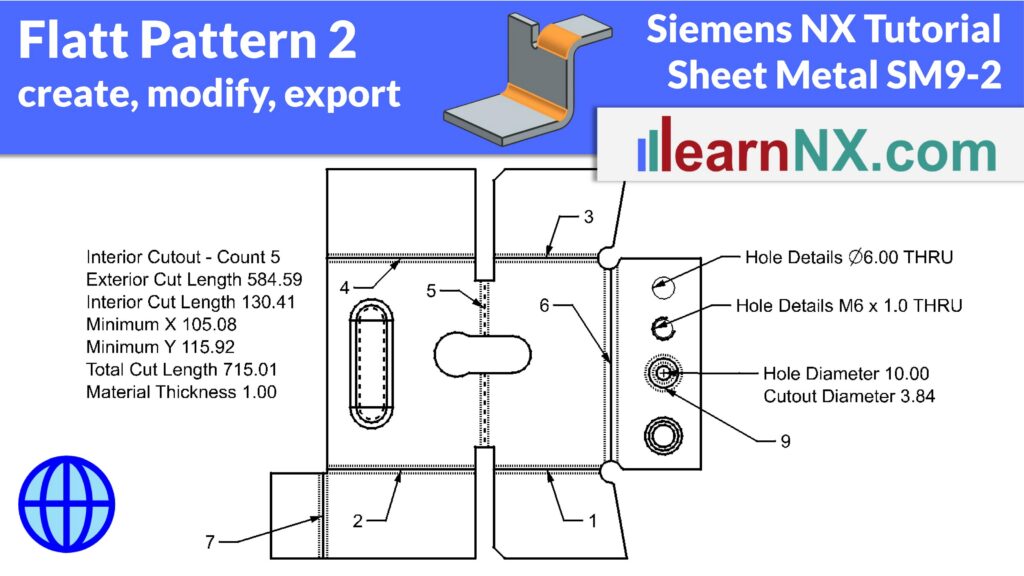
This exercise covers the complete Flat Pattern workflow in Siemens NX Sheet Metal. You’ll learn how to create a flat pattern and configure it in detail — including orientation, corner radii, hole properties, and the display of Drawn Cutout and Lightning Cutout openings.
The tutorial also covers PMI Callouts and how to customize the information displayed for each bend, as well as how Bend ID and Bend Name can directly influence manufacturing costs. You’ll see how to control layer and color settings for flat pattern lines, and how to export the flat pattern as DXF or Trumpf Geo format for your supplier.
Additionally, the exercise demonstrates how to create a drawing with the flat pattern and bend table, how to unfold text and markings placed on the part, and how to unfold imported STEP data using the Convert to Sheet Metal command.